How to print a generated handwritten PDF
Export the generated pages as one PDF, choose A4 or US Letter in your print dialog, and check the first sheet before printing the rest.
- Input
- Pasted text, PDF, JPG, PNG, or WebP
- Limit
- 10 pages, 20MB total
- Output
- About 1024×1536 PNG, JPG, or PDF (about 1536×1024 when landscape)
- Fits and does not fit
- Notes, letters, lists, and short one-line formulas. Not wording that must stay exact, complex tables, stacked fractions, or multi-line derivations.
Steps
- Download the PDFOpen a completed work and compare each page with its source. Zoom in on names, numbers and symbols. Download the merged PDF for a multi-page printout.
- Check print previewOpen the PDF and choose the paper size loaded in your printer. Start with Fit or Scale to fit to avoid cropping. Check that the paper margins and the last line are visible in the print preview.
- Print one test sheetPrint one page. Check the smallest writing and the paper ruling under normal light. If pale blue ink or thin grid lines disappear, check grayscale mode and print quality before printing the remaining pages.
Can I copy text from the exported PDF?
CopyToInk exports generated page images in the PDF. Keep your original text file or PDF if readers need to search or select words, and share it alongside the handwritten pages when appropriate.
Example
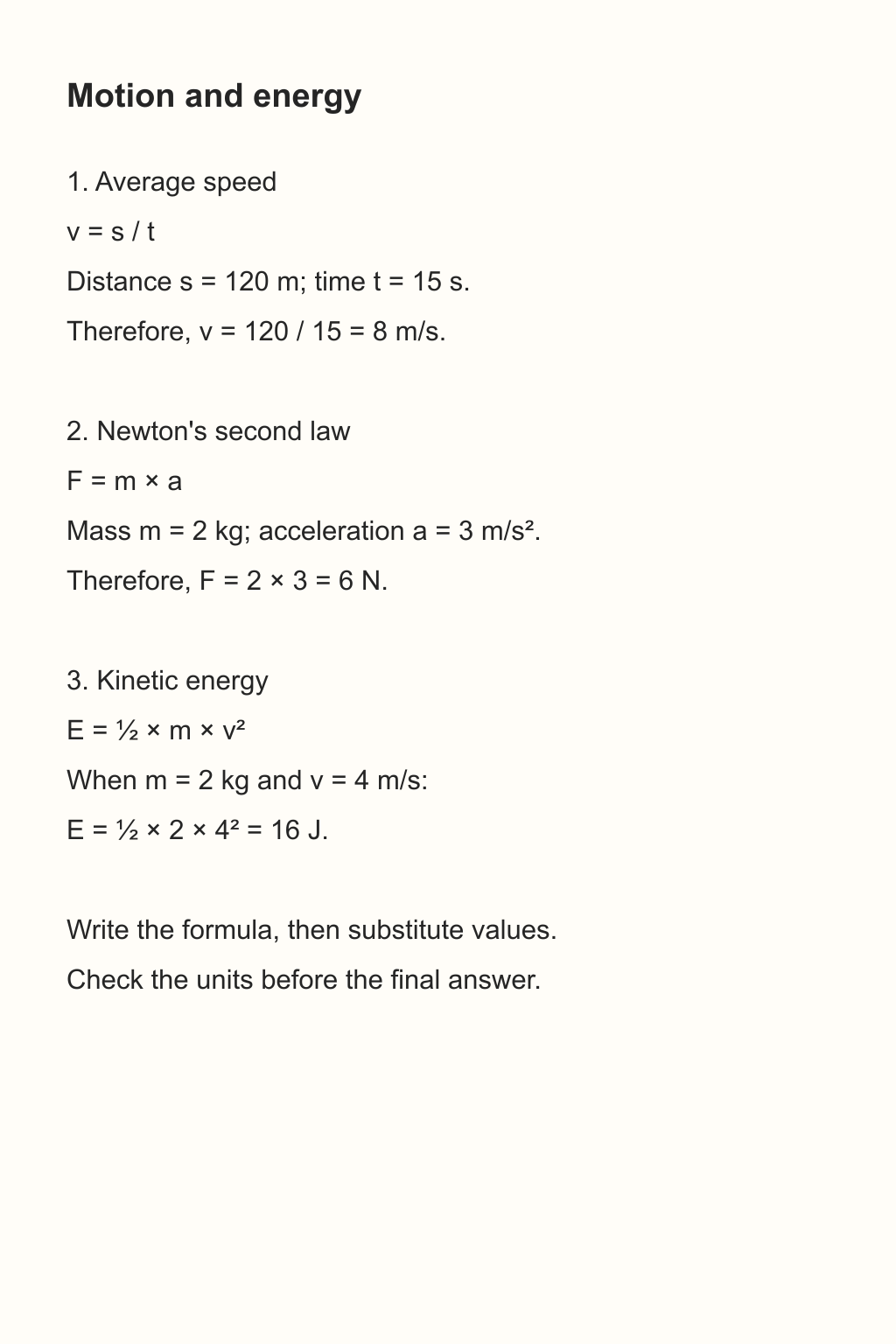
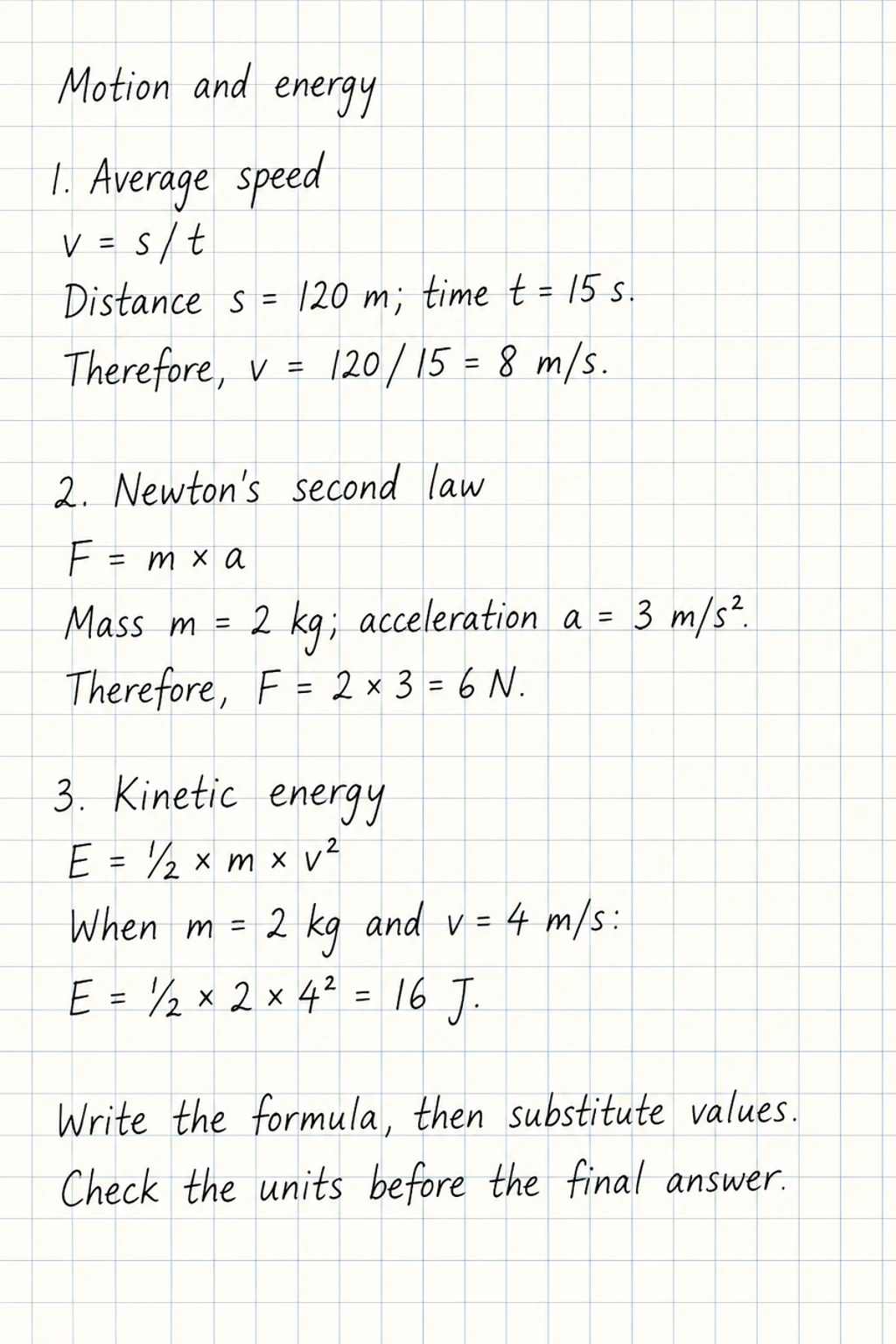
This physics sample has small units, squared symbols and light grid lines. Open the full-size result and check all three before printing.
Science notes and formulas
 Open full-size image ↗
 Open full-size image ↗
 Open full-size image ↗
Handwriting conversion guides
Text to handwriting, PDF to handwriting, handwritten notes, your own paper, a letter, or a page with blanks.
Text to Handwriting Converter — Printable PNG & A4 PDF
Paste the words or type them in. Pick a handwriting style, paper and ink, then download the page as PNG, JPG, PDF or ZIP.
Handwritten note from typed text
Paste a note or upload the page. It is written onto lined or grid paper, from one note up to 10 pages. Check names and numbers against what you typed.
Handwriting on custom stationery, letterhead & lined paper
Paid packs can use paid credits to write on your own paper: a letterhead, a notebook page, or another template.
PDF to handwriting converter
Convert typed or scanned PDFs to handwriting. Choose up to 10 pages per job, compare the result, then download a printable PDF.
Use your own handwriting as a style reference
With VIP and paid credits, add up to three JPG, PNG or WebP photos of your own handwriting to style a new page.
Handwritten Letter from Typed Text — Printable PNG & A4 PDF
Type a thank-you note, card or letter, then put it on letter paper in neat, natural or hurried handwriting with blue or black ink.
Fill blanks on your own page
Upload a form or worksheet and the words for each blank. Paid packs can write on a page you upload. Compare the result with the original.
How to convert a screenshot or image to handwriting
Upload a clear JPG, PNG or WebP and copy its text into a handwritten page on your chosen paper.
How to turn a Word document into handwriting
Export your Word document as a PDF to preserve its page breaks, or paste the text if you want to reflow it first.
Make handwritten notes on grid paper
Generate a handwritten page on graph paper from pasted text, a PDF page or an image. Compare the line spacing and symbols with the original.