How to add handwriting to the blanks on an original page
Fill the blank areas of a form, worksheet or reading log with handwritten-looking content you supply.
Step by step
- Choose Fill an original page and upload the page that contains the blank fields.
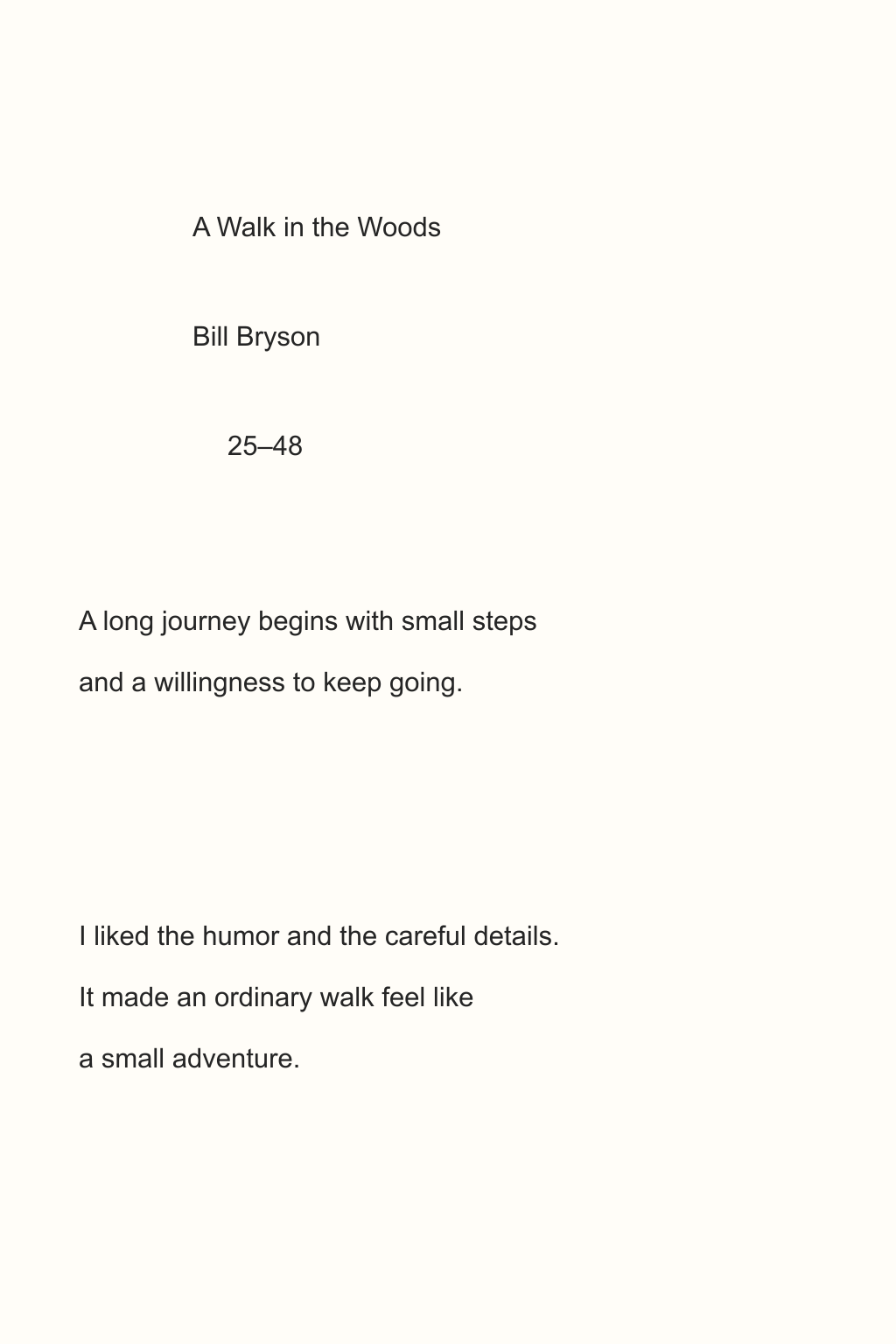
- Supply the exact entries for that page. Keep their order the same as the fields, and use field labels when the intended placement could be unclear.
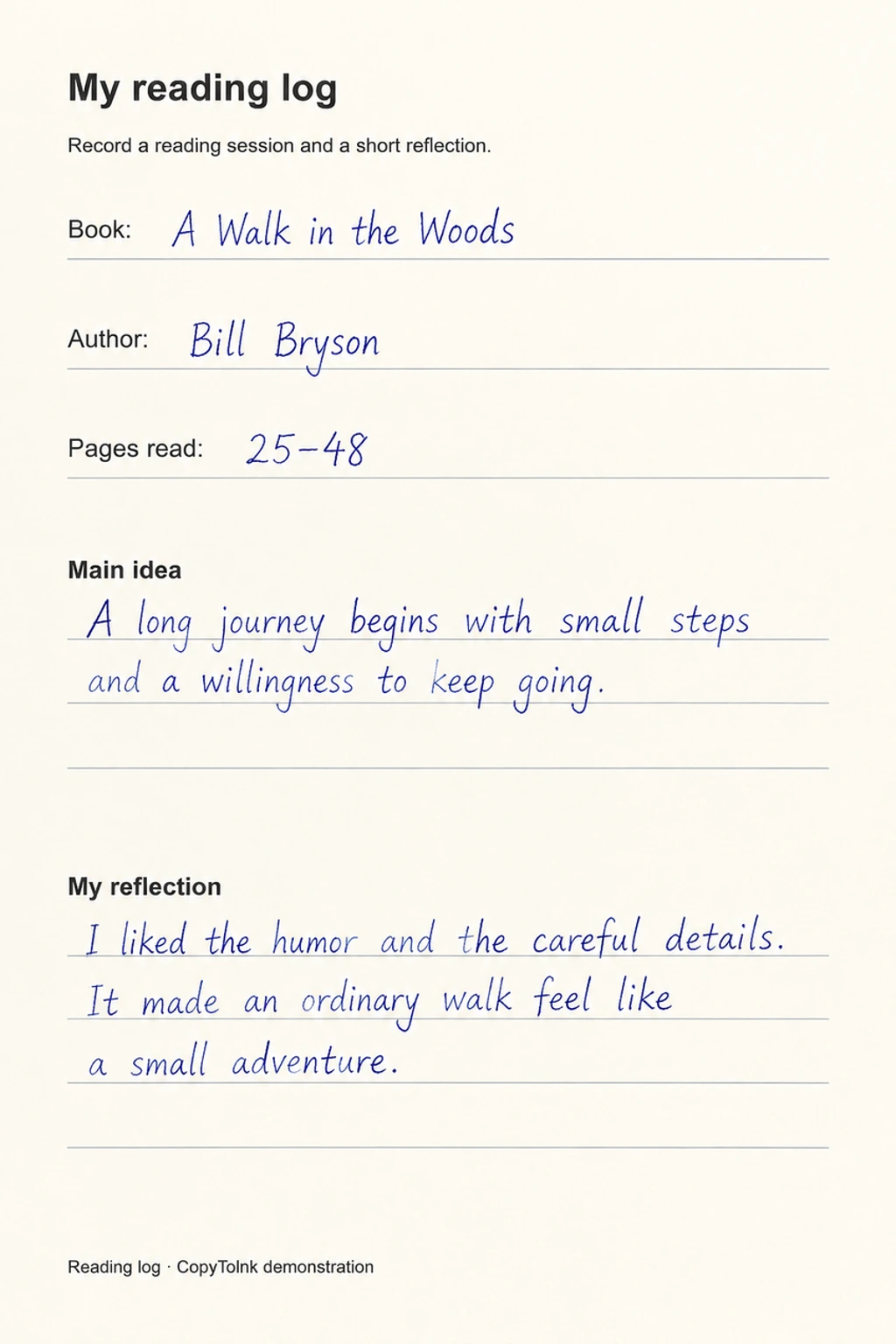
- Generate, then check both the handwriting and the surrounding printed text. Compare against the original before sharing or printing.
When should I choose original-page fill?
Use it when the printed prompts, boxes or ruled areas should remain in place and you already know what goes in each blank. Choose Transcribe when you want to copy the whole source onto a new sheet.
A real example
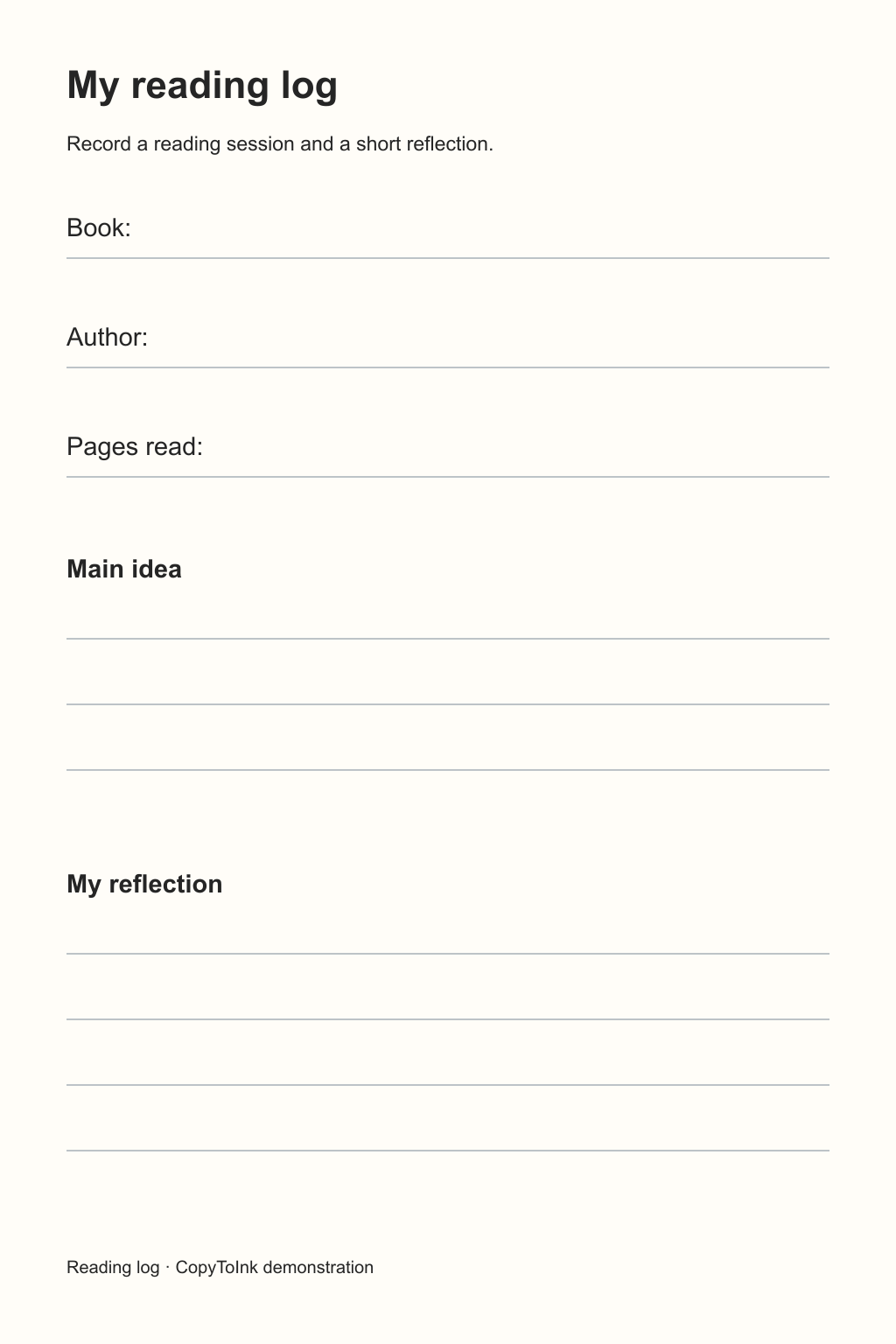
The reading log below shows the original, the supplied entries and the actual generated result side by side.
Fill an existing reading log
Fill an original pageNeat · Original page · Blue
 Open full-size image ↗
 Open full-size image ↗
 Open full-size image ↗
Handwriting conversion guides
How to turn a PDF into handwriting
Turn selected PDF pages into handwritten-looking images, then download them as PNG, JPG, PDF or ZIP.
How to convert a screenshot or image to handwriting
Upload a clear JPG, PNG or WebP and copy its text into a handwritten page on your chosen paper.
How to put handwriting on your own stationery
Use paid credits to write on an uploaded JPG, PNG or WebP paper template, such as letterhead or a notebook page.