How to turn a PDF into handwriting
Turn selected PDF pages into handwritten-looking images, then download them as PNG, JPG, PDF or ZIP.
Step by step
- Upload your PDF and preview it in the browser. Select up to 10 pages from a file within 20 MB.
- Choose Transcribe, then pick a handwriting style, paper and ink. For a letter, start with neat handwriting and letter paper.
- Generate and compare the result against the source before downloading. Check names, dates and punctuation individually.
Will the new PDF have selectable text?
The download contains page images. Use the original PDF when you need selectable text, and keep it alongside the handwritten copy.
A real example
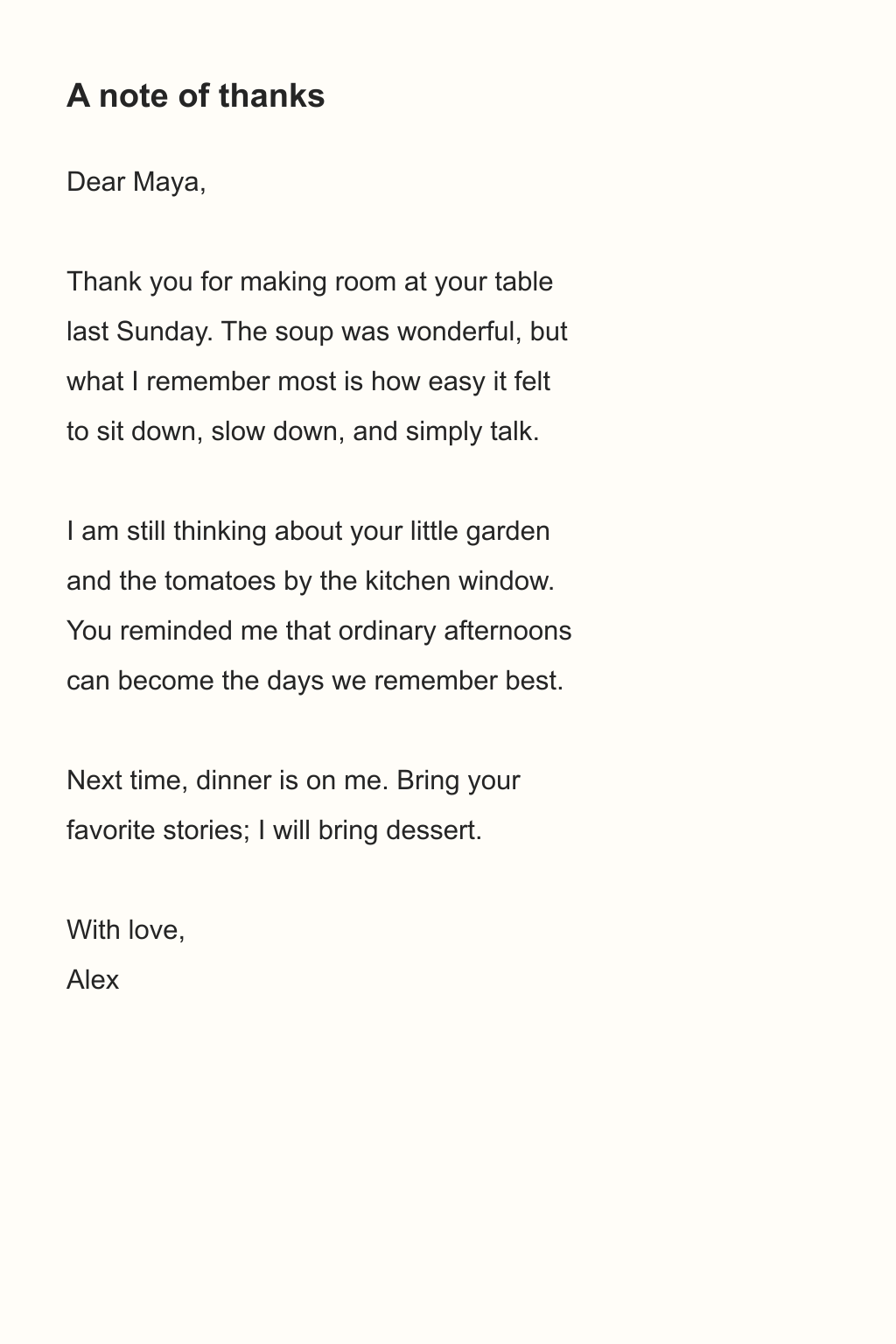
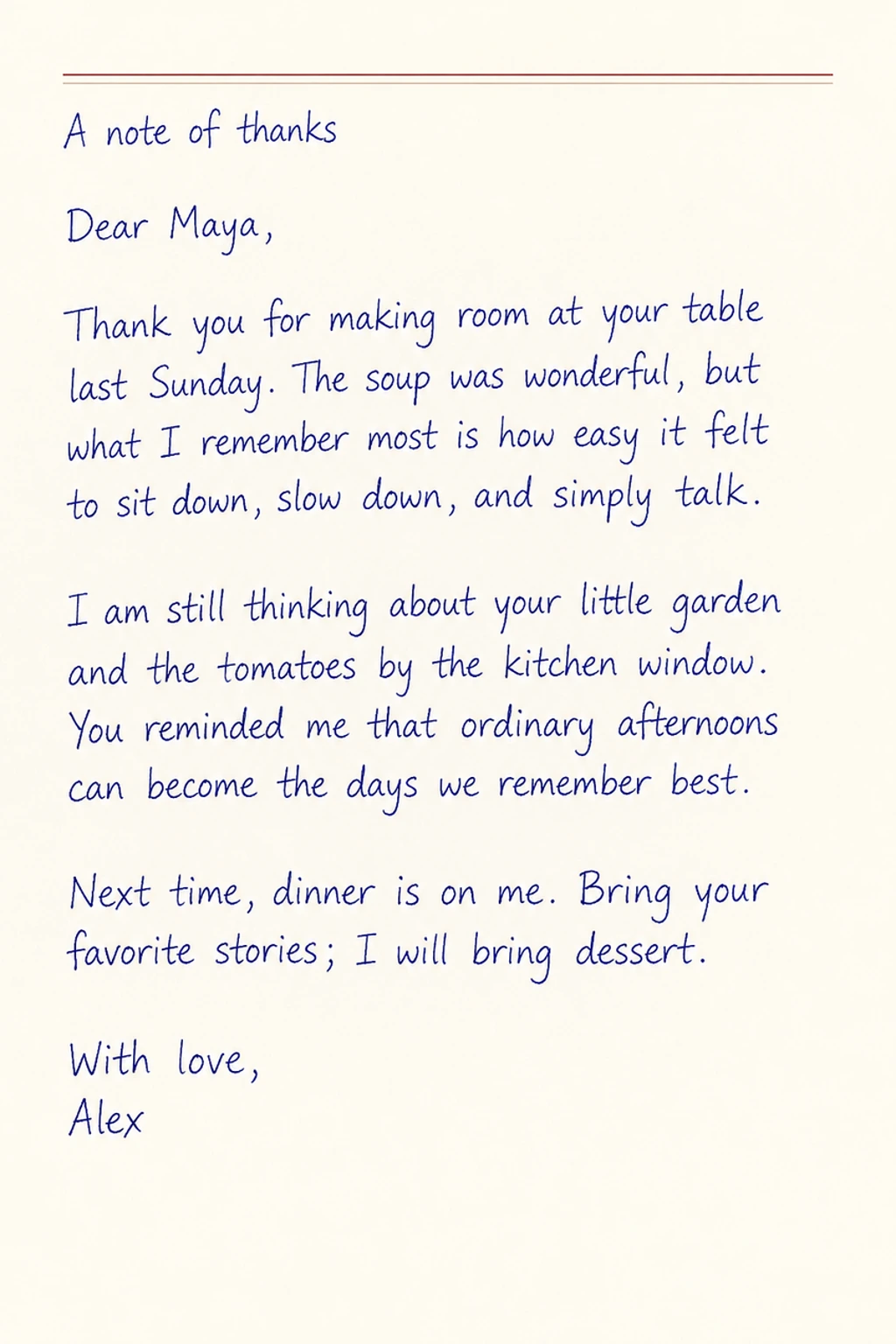
The thank-you letter below shows a printed source, the actual letter paper input, and the generated page in blue ink.
A handwritten thank-you
Transcribe onto paperNeat · Letter · Blue
 Open full-size image ↗
 Open full-size image ↗
 Open full-size image ↗
Handwriting conversion guides
How to convert a screenshot or image to handwriting
Upload a clear JPG, PNG or WebP and copy its text into a handwritten page on your chosen paper.
How to put handwriting on your own stationery
Use paid credits to write on an uploaded JPG, PNG or WebP paper template, such as letterhead or a notebook page.
How to add handwriting to the blanks on an original page
Fill the blank areas of a form, worksheet or reading log with handwritten-looking content you supply.