How to convert a screenshot or image to handwriting
Upload a clear JPG, PNG or WebP and copy its text into a handwritten page on your chosen paper.
Step by step
- Use a sharp image and crop out browser menus, unrelated text and blank margins before uploading.
- Choose Transcribe and select a paper style. Lined paper is a practical starting point for a paragraph or journal entry.
- Compare the result with the screenshot. Pay extra attention to small print, numbers, equations and line breaks.
What kind of image gives a readable result?
Start with a straight, high-contrast image with large, clear text. For a dense screenshot, crop it into smaller sections. Blurry text and complex tables are harder to reproduce accurately.
A real example
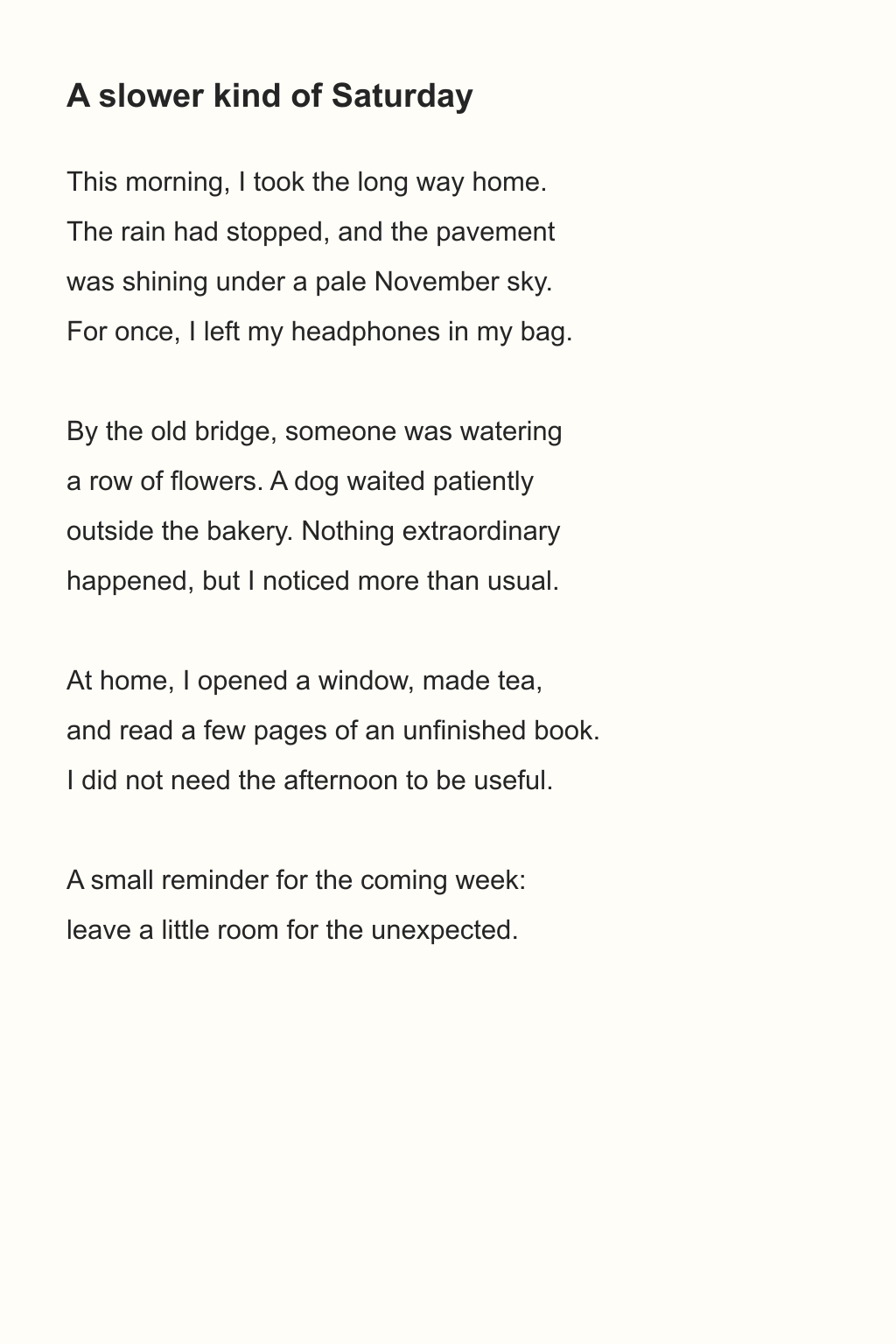
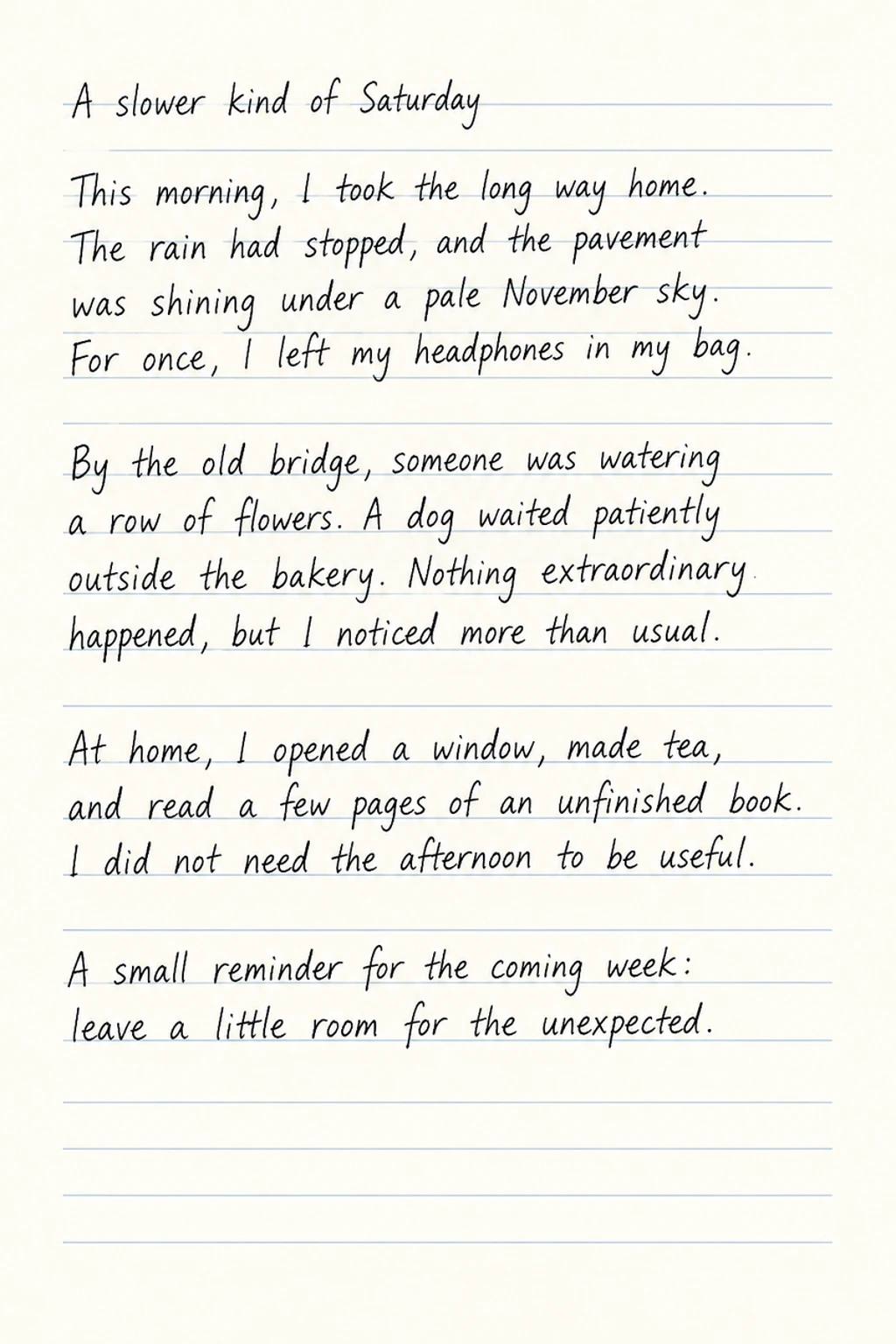
This example pairs a journal source image with lined paper and a real output using natural handwriting and black ink.
Everyday journal
Transcribe onto paperNatural · Lined · Black
 Open full-size image ↗
 Open full-size image ↗
 Open full-size image ↗
Handwriting conversion guides
How to turn a PDF into handwriting
Turn selected PDF pages into handwritten-looking images, then download them as PNG, JPG, PDF or ZIP.
How to put handwriting on your own stationery
Use paid credits to write on an uploaded JPG, PNG or WebP paper template, such as letterhead or a notebook page.
How to add handwriting to the blanks on an original page
Fill the blank areas of a form, worksheet or reading log with handwritten-looking content you supply.