How to make a handwritten letter from typed text
Type a thank-you note, card or letter, then put it on letter paper in neat handwriting with blue or black ink.
Step by step
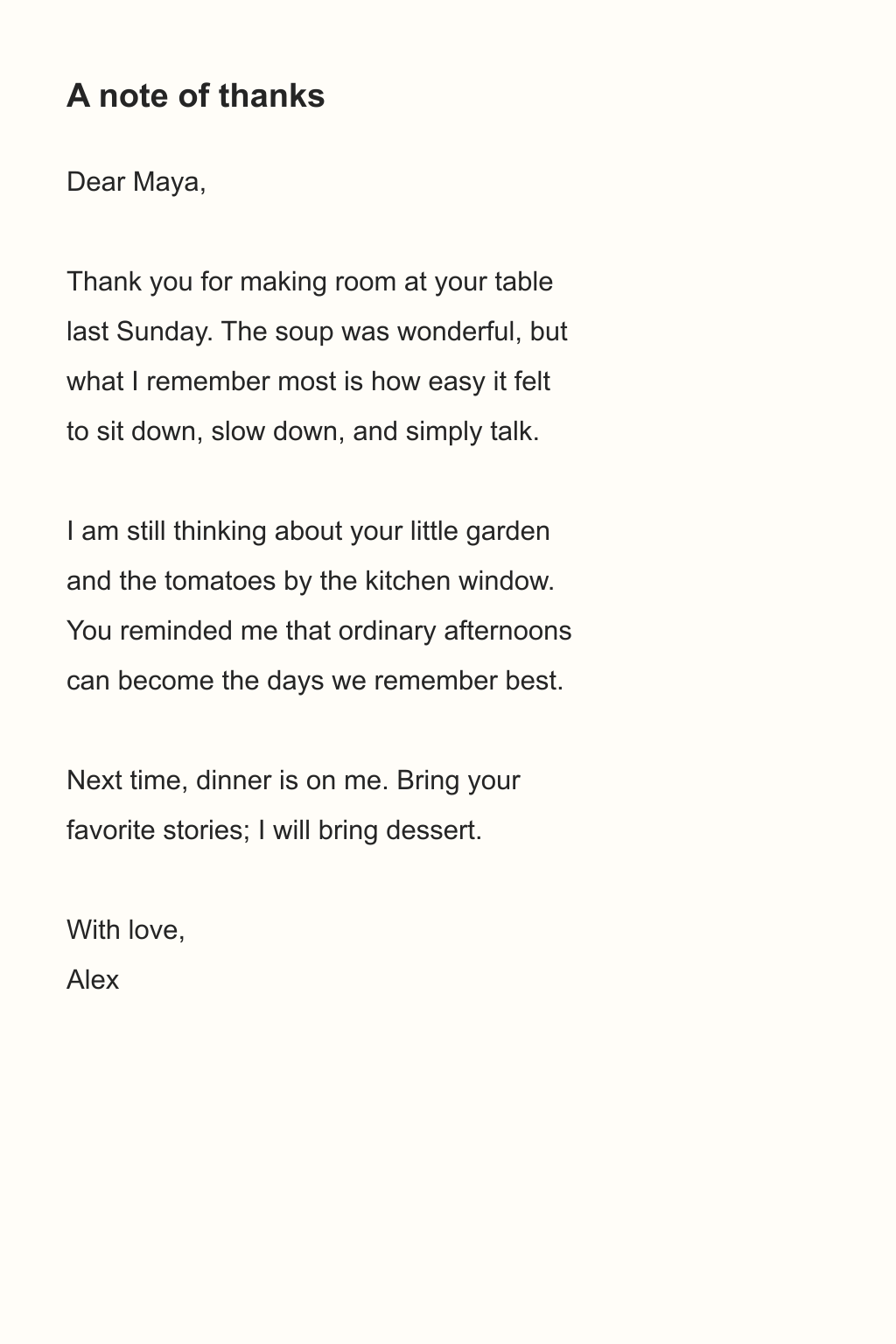
- Prepare the sourceWrite the letter in any editor. Paste the text, or upload it as a PDF or image.
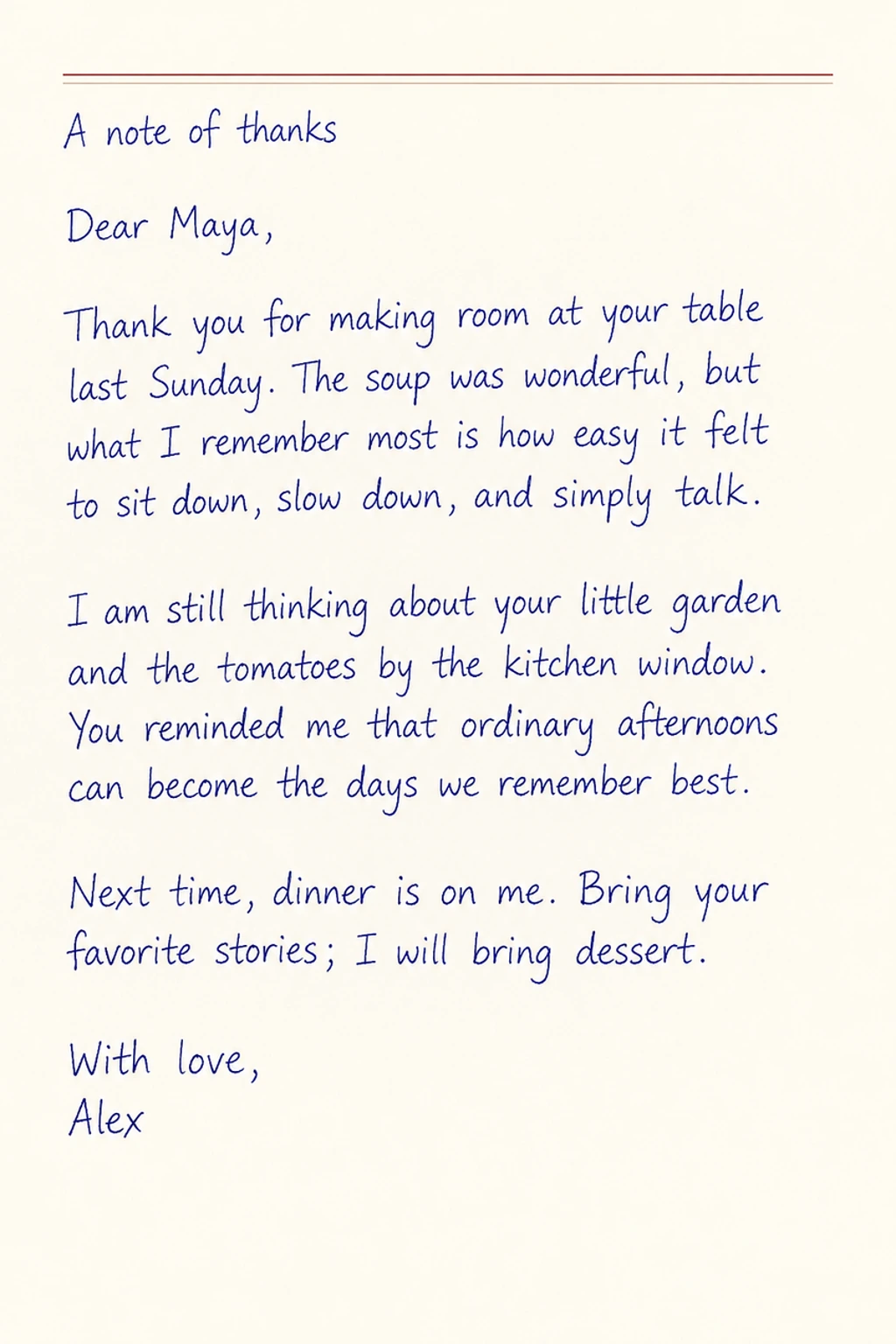
- Choose the styleChoose Transcribe, letter paper and neat handwriting, then pick blue or black ink.
- Check and downloadCheck names, dates and the sign-off, then download PNG or JPG to share, or PDF to print.
Can it copy my own handwriting?
No. There are three preset handwriting styles. It does not clone a particular person's hand, and it must not be used to pass a page off as someone else's handwriting.
A real example
The thank-you note below shows the typed source, the letter paper input and the result in neat handwriting with blue ink.
A handwritten thank-you
 Open full-size image ↗
 Open full-size image ↗
 Open full-size image ↗
Handwriting conversion guides
Pick the guide that matches what you have: a PDF, a screenshot, typed text, notes, a letter, or a page with blanks.
How to turn a PDF into handwriting
Turn selected PDF pages into handwritten-looking images, then download them as PNG, JPG, PDF or ZIP.
How to convert a screenshot or image to handwriting
Upload a clear JPG, PNG or WebP and copy its text into a handwritten page on your chosen paper.
How to put handwriting on your own stationery
With VIP or Super VIP, use paid credits to write on your own letterhead, notebook page or other template.
How to add handwriting to the blanks on an original page
Fill the blank areas of a form, worksheet or reading log with handwritten-looking content you supply.
How to turn typed text into handwriting
Paste typed text, choose a handwriting style, paper and ink, and download a handwritten-looking page as PNG, JPG, PDF or ZIP.
How to turn printed notes into handwritten notes
Copy lecture notes, slide excerpts or study sheets onto lined or grid paper as handwritten pages.