PDF & Text to Handwriting
Copy content onto a paper preset, or use Custom templates to write on your own paper, form, or worksheet.
Choose what to create
Upload the document to copy
PDF, JPG, PNG, WebP · up to 10 pages · 20MB
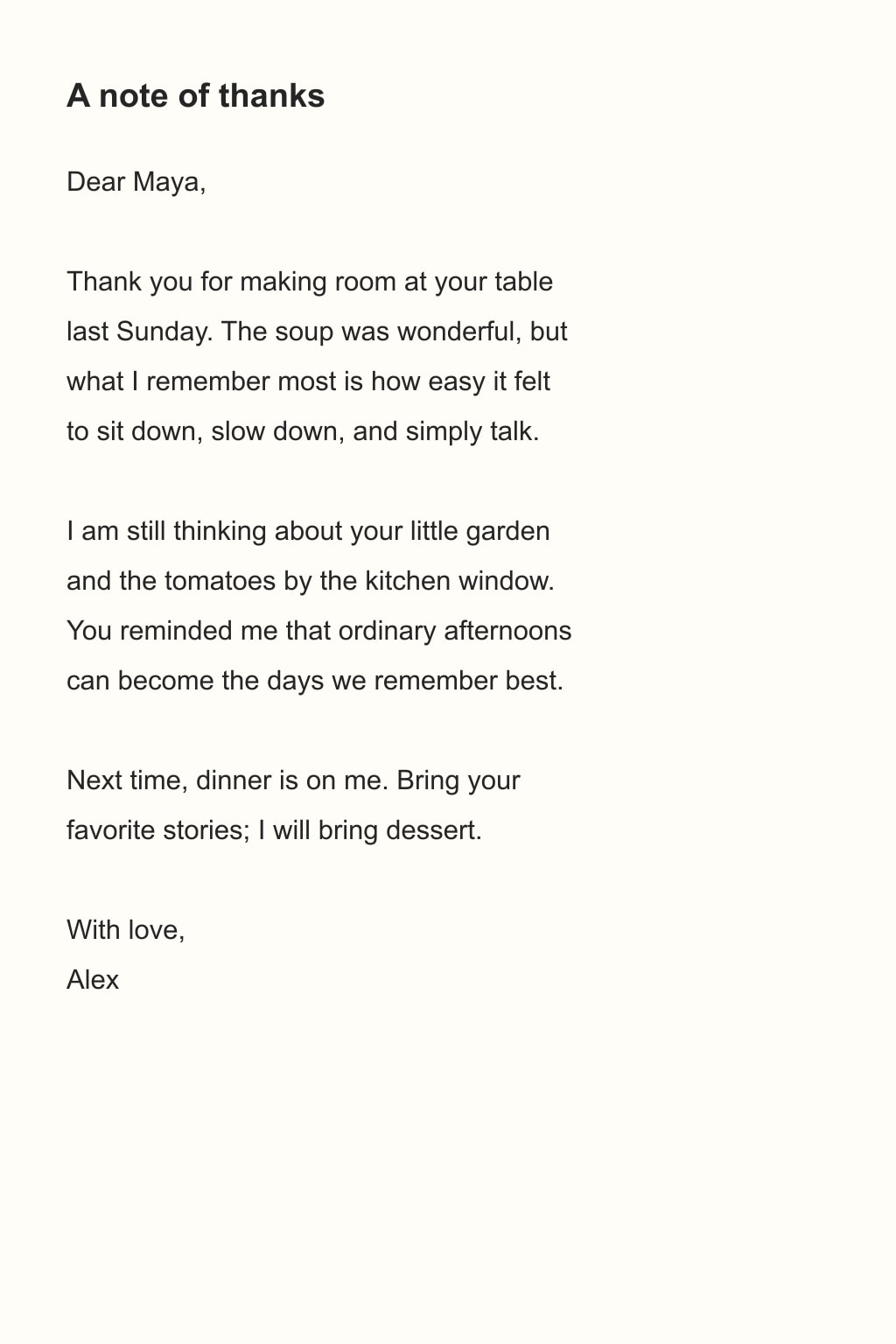
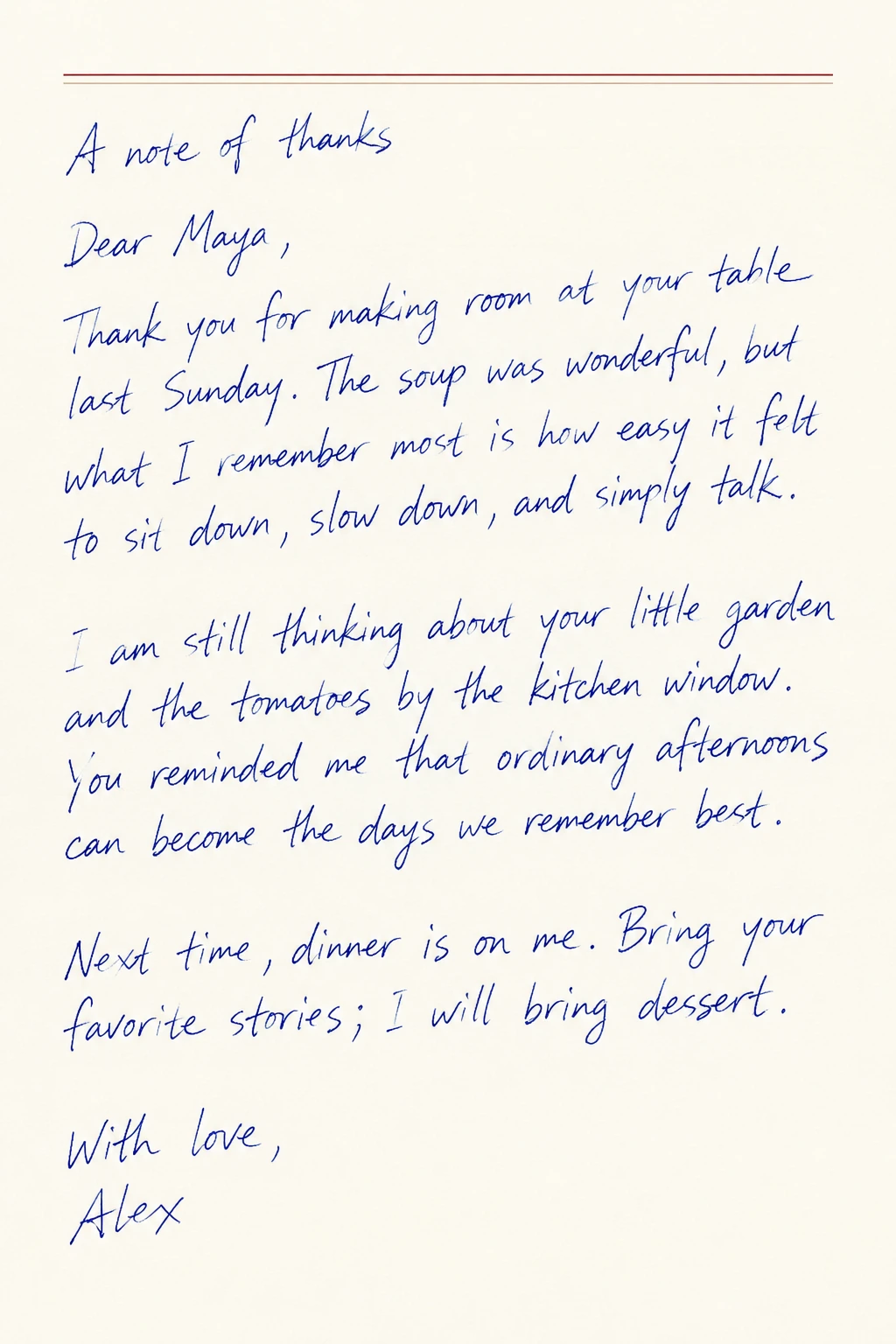
Source and handwritten result
A typed thank-you note copied onto letter paper in hurried blue handwriting.
Formats and specifications
- Input
- Pasted text, PDF, JPG, PNG, or WebP
- Limit
- 10 pages, 20MB total
- Output
- About 1024×1536 PNG, JPG, or PDF (about 1536×1024 when landscape)
- Fits and does not fit
- Notes, letters, lists, and short one-line formulas. Not wording that must stay exact, complex tables, stacked fractions, or multi-line derivations.
- Styles and paper
- Three writing styles, blank, lined, grid or letter paper, and black or blue ink.
- Templates and handwriting references
- Write supplied content in blank areas of an uploaded page or use samples of your own handwriting. Check availability in Studio.
Common questions
How do I convert a PDF or text to handwriting?
Upload a PDF and select pages, or paste text. Choose paper, handwriting and ink, then sign in to generate the handwritten page.
Can I preview before signing up?
You can lay out text, select PDF pages and view real examples without an account. Sign in when you submit a generation.
Does it support Chinese handwriting?
Yes. CopyToInk handles English, Chinese and pages with both languages. Compare the result with the source for missing words or punctuation.
Can I keep the printed content on my original page?
Choose a custom template, upload the original page and supply what to write in its blank areas. Check the printed text and placement in the result.